All posts · Kitchen
Kitchen display routing for UK venues: plan around real stations
Plan which station prepares each item and how the pass checks the complete order. Servio includes single-station KDS on every plan; multi-station routing is included on Growth and Enterprise or available on Starter for £35/month excluding VAT.
By Amaan Tanveer, Co-founder · · 4 min read
A kitchen display needs a clear operating plan. Decide who prepares each item, how the pass coordinates the order and which handoffs need checking before the first busy service.
Start from stations, not the menu
List the stations your team actually works, then check how each item should reach its prep owner. For an entitled multi-station setup, test mixed orders and modifiers against the station assignments. Start with one screen if that matches the kitchen’s needs.
- Barista: drinks prepared at the coffee station
- Hot line: mains and sides prepared with heat
- Cold prep: salads and other assigned cold dishes
- Desserts: plated sweets and their modifiers
- Expo / pass: check and coordinate the complete order
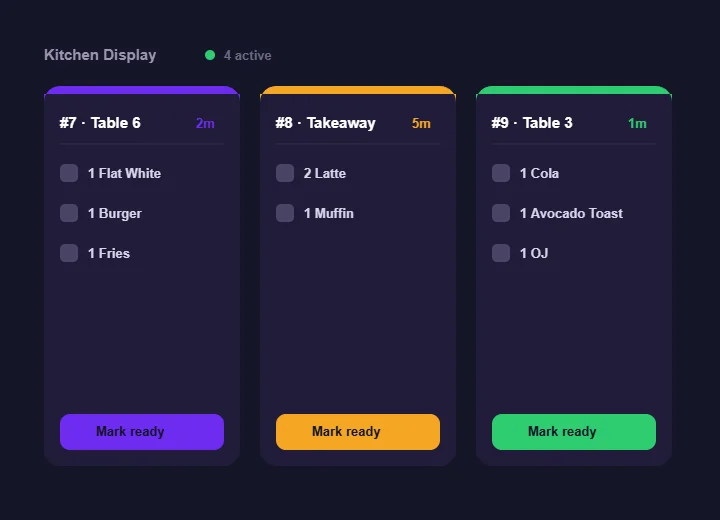
Agree when a waiting ticket needs attention
Use preparation times as a cue for action. Agree when to check a waiting dish, warn the floor or resolve a missing item. Confirm what your configured display shows rather than relying on an assumed colour band or automatic alert.
Keep station plans specific to each venue
If you run more than one site, review each kitchen’s layout and staffing separately. A useful station name may carry across venues, but the prep responsibilities and service capacity may differ. Confirm any central reporting view you need before relying on it.
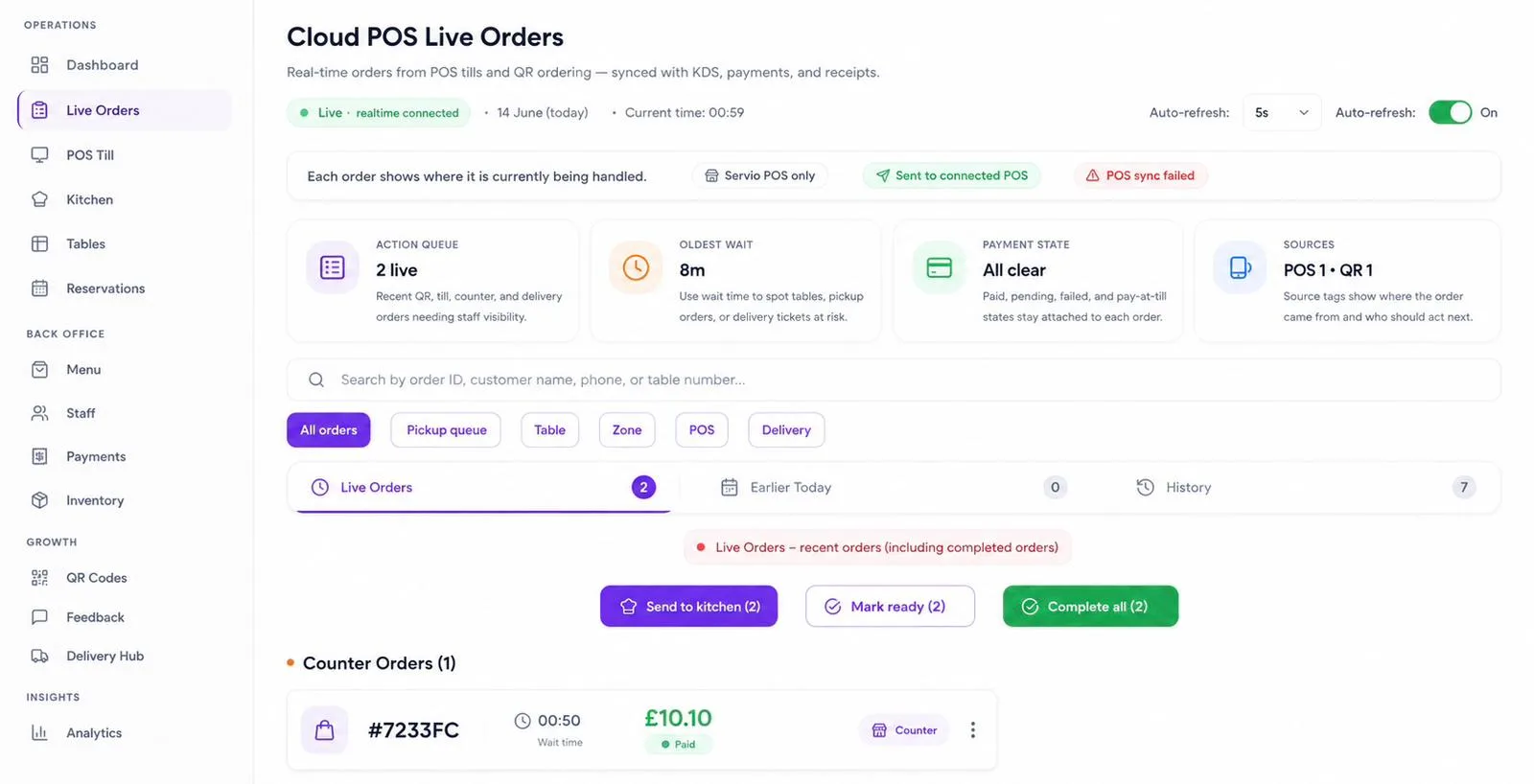
Give each item a clear prep owner, and agree how the pass checks that the order is complete.
Review the assignments after several comparable services. Investigate items that appeared in the wrong place, then test any change before relying on it during a rush.
Three routing mistakes to avoid
Treating a menu category as a prep station. A breakfast order may involve the grill, cold prep and barista. Assign responsibility according to where the item is made, then verify the actual tickets each station receives.
Leaving coordination unclear. Agree who checks the full order and communicates with the floor. In a small kitchen that person may also prepare food, so make the competing responsibilities explicit and test how they will be handled.
Having no overflow plan. Decide who can help when a section is overloaded and how the team will communicate that change. If you change routing assignments, test them before service; do not assume saved alternate maps or instant switching are available.
An illustrative café brunch plan: six staff
For illustration, consider two floor staff, two on the line, a barista and someone coordinating the pass. Drinks belong to the barista; hot food to the line; cold dishes need a named prep owner. The pass checks that the components of a mixed order are complete. Test those assignments with practice tickets and confirm which order view your setup provides. This is a planning example, not evidence of a particular screen layout or customer result. Our guide to reducing order handoffs explains what to measure.
Set practical preparation benchmarks
Choose preparation benchmarks from your own service, and agree what the team should do when a ticket takes longer. Review repeated delays before changing staffing or routing. The kitchen display page explains the workflow; plan details distinguish included single-station KDS from multi-station routing on Growth and Enterprise or the £35/month Starter add-on, excluding VAT.
Screens, printers, or both
A kitchen may use screens, paper or both. Confirm printer compatibility and supported workflows before depending on a paper ticket, then test corrections, voids and modifier changes with the team. A printed ticket does not update itself, so agree how later changes reach its prep owner. Avoid duplicate instructions that leave staff unsure which version to follow, and give the pass a clear way to check the order.
Name stations after the work rather than the person doing it. “Cold prep” remains clear when the rota changes. Brief new starters on the responsibilities and practise a mixed order to check their understanding.
Questions
What is kitchen display routing?
Routing assigns ordered items to the prep stations that make them. Test assignments, modifiers and mixed orders against the way your kitchen works. Servio includes single-station KDS on every plan; multi-station routing is a separate entitlement.
How many KDS stations does a small restaurant need?
Start with the kitchen’s actual prep responsibilities. One screen may be enough; extra stations are useful only if they have clear owners during service. Growth and Enterprise include multi-station routing, and Starter can add it for £35/month excluding VAT.
Should QR and till orders share the kitchen workflow?
A shared workflow helps the team see the work from both channels. Test ticket details and station assignments before service, and agree how to handle changes rather than assuming a screen alone removes handoff errors.